
LinkDrop
Save links from your clipboard as files on macOS. Instantly.
Download for macOS
Save links from your clipboard as files on macOS. Instantly.
Download for macOSAny link — a website, a file path, a deep link. Just copy it.
The URL is auto-filled from your clipboard. Edit the name if you want.
A clickable .url file appears in your Downloads folder.
You're deep in research, switching between browser tabs, Slack threads, and documents. You find a link you want to keep — but where do you put it?
macOS makes it surprisingly hard to save a URL as a file. There's no "Save Link" in Finder. You end up pasting URLs into notes or browser bookmarks you'll never find again.
If you organize things in folders, you want links as files. Clickable, movable, sortable. Just like everything else in Finder.
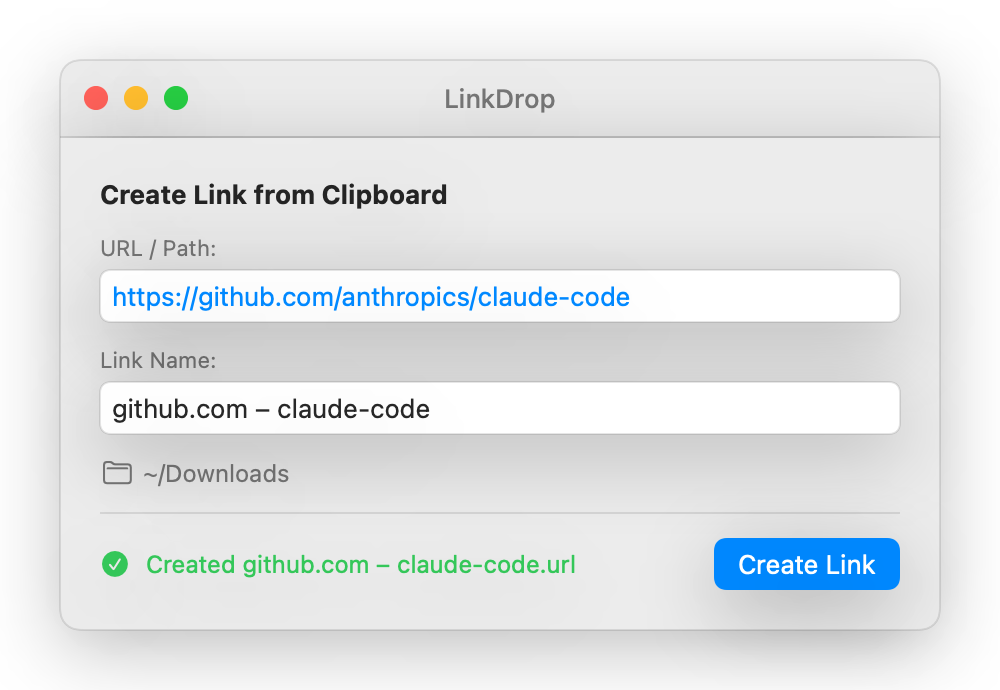
Auto-reads your clipboard on launch. No pasting needed.
Derives a readable filename from the URL. Edit it if you prefer something else.
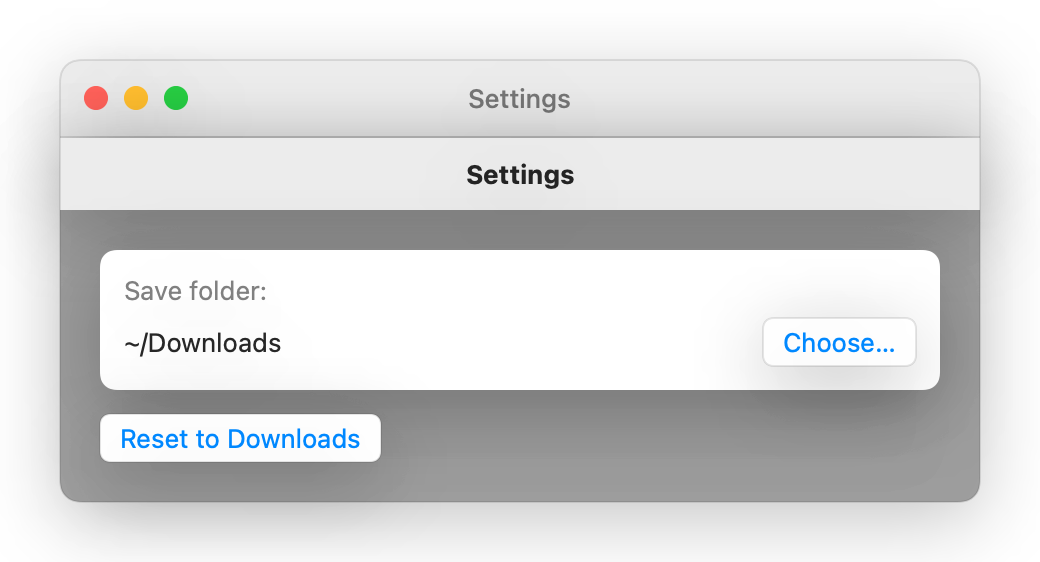
Change the save folder in Settings (Cmd+,). Defaults to ~/Downloads.
Built with SwiftUI. No Electron, no web views, no runtime. Opens in milliseconds.
No Xcode project needed. Just the Swift compiler.
That's it. The entire app is a single 213-line Swift file.